
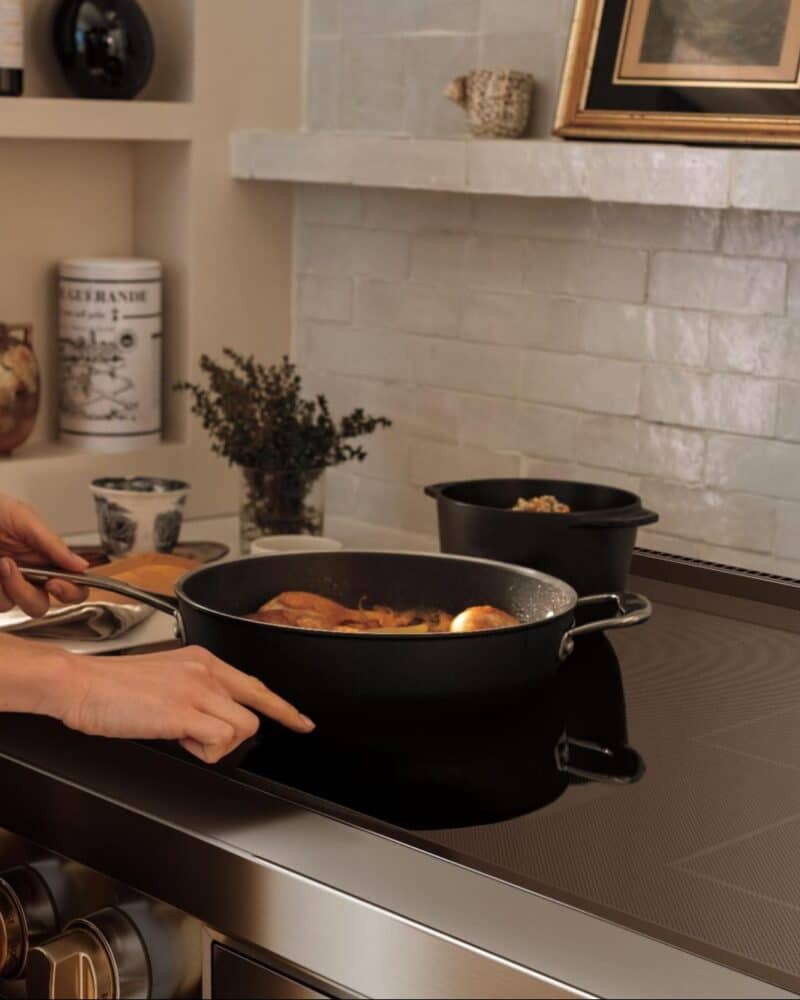
If your Wolf induction cooktop won’t respond, it’s usually locked on purpose. This isn’t a malfunction. Wolf cooktops include a control lock to prevent accidental use, cleaning mishaps, or unwanted activation.
Unlocking it is simple once you know what to look for, but the steps can feel unclear if you’re seeing the lock icon for the first time.

Why a Wolf Induction Cooktop Locks
The lock feature is designed for safety and control. It’s commonly used in homes with children, during cleaning, or after about 10 minutes if the auto-lock feature is active. .
In many cases, the cooktop locks automatically after a power interruption.
A locked cooktop will appear powered on but won’t allow cooking zones to activate.
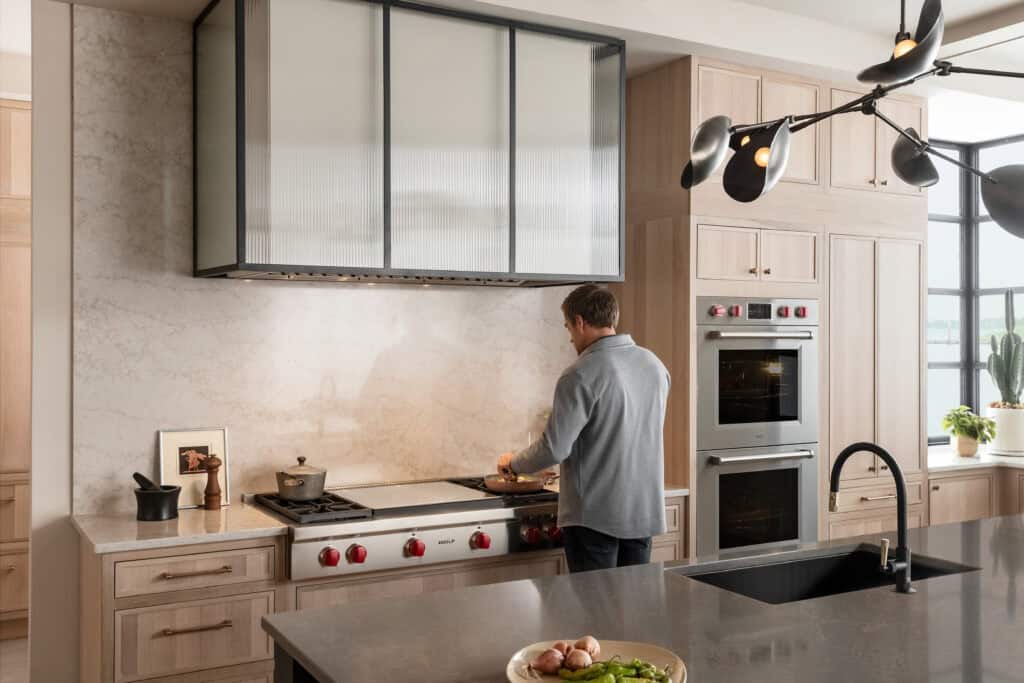
How to Unlock a Wolf Induction Cooktop
Most Wolf induction cooktops unlock the same way. Look for the small padlock icon on the control panel. On some models, the word “Lock” may also be etched into the glass, but the padlock symbol is the main indicator.
Press and hold the padlock control for about three seconds. You may hear a tone or see the lock icon disappear. Once it clears, the cooktop should respond normally.
If nothing happens, make sure the cooktop surface is clean and dry. Moisture or residue on the glass can sometimes prevent the touch controls from registering properly.
What If the Cooktop Still Won’t Unlock?
If the lock doesn’t disengage, try resetting the cooktop by turning off power at the breaker for a short time, then restoring it.
If the control panel remains unresponsive after a reset, the issue may be related to power supply, control sensitivity, or a model-specific setting.
This is where model guidance matters. Wolf induction cooktops vary slightly by generation and layout, and the exact unlock method can differ. If you need assistance with your particular model please contact us and we’ll be happy to help.
Why Induction Controls Feel Different
Wolf’s induction cooktops are precise, but they also require clean contact and intentional input. (If you functionality of induction, but also the iconic red Wolf knobs, then the new Wolf Pro Induction Range is for you)
This is normal behavior, not a flaw.
Once you understand how the touch-sensitive controls work, most owners find the system intuitive and reassuring rather than frustrating.
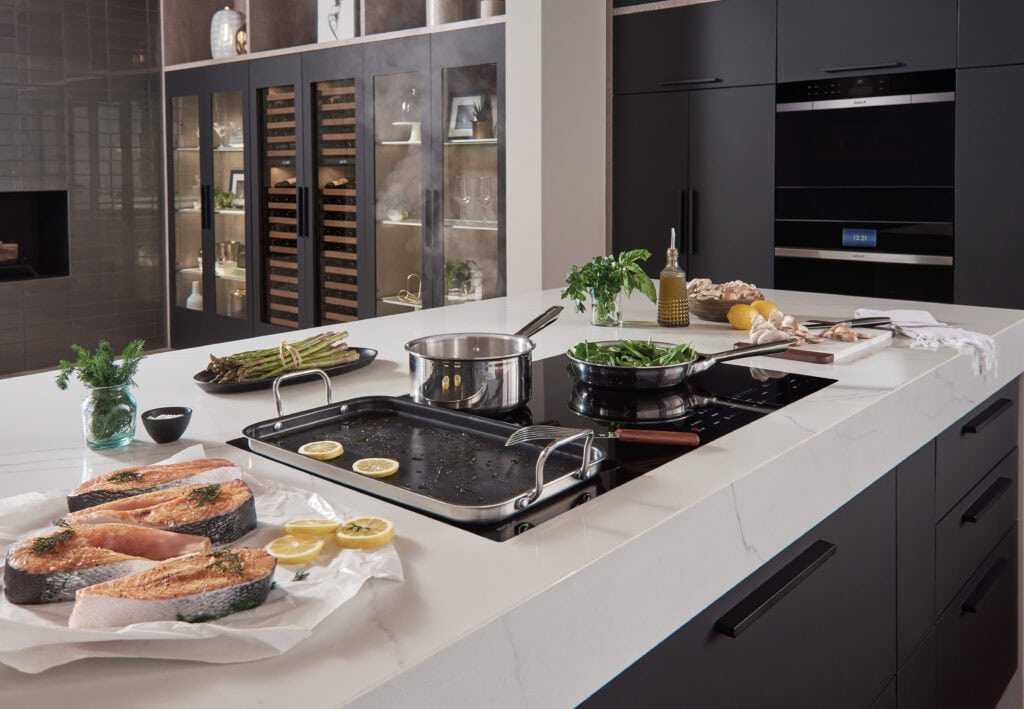
When to Get Help with your Wolf Induction Cooktop
If your Wolf induction cooktop unlocks but doesn’t heat, the issue may be cookware compatibility rather than the lock itself.
If the cooktop won’t unlock at all and power cycling doesn’t help, it’s time to speak with an appliance specialist rather than forcing the controls. If you need professional assistance right away, contact the dealer you purchased from for service, or contact Clarke Customer Care.
At Clarke, we walk homeowners through these features in person so there’s no guesswork after installation.
Final Thoughts
When a Wolf induction cooktop is locked, it’s usually doing exactly what it was designed to do—protect precision, performance, and safety.
Knowing how features like the control lock work is part of owning a high-performance appliance, but you shouldn’t have to figure it out on your own.
At Clarke, we help homeowners understand how Sub-Zero, Wolf and Cove appliances actually function in real kitchens. If you have questions before installation or need clarity after, our team is here to help. Visit the showroom or contact Clarke to get hands-on guidance from people who know these appliances inside and out.

Frequently Asked Questions
Why is my Wolf induction cooktop locked?
The control lock may have been activated intentionally, triggered during cleaning, or enabled after a power interruption.
How long do I hold the lock button?
Typically about three seconds, until the lock indicator turns off or a tone sounds.
Does every Wolf induction cooktop unlock the same way?
Most follow the same process, but control layouts can vary by model and year.
Will turning the power off reset the lock?
In many cases, yes. A brief breaker reset can clear the lock if the controls are unresponsive.
Can water or cleaner cause locking issues?
Yes. Moisture on the control panel can prevent touch controls from registering properly.
Should I force the controls if it won’t unlock?
No. Forcing touch controls can cause damage. If it doesn’t unlock normally, get guidance.